Figma to live site.
From your Figma file or from nothing at all: Webflow , WordPress or plain HTML , picked per project — fast, findable and accessible in all three.
-
Certified Webflow Partner since 2024

-
Building websites since 2011
-
Core Web Vitals passed on real traffic
Which one is you?
Most people arrive with one of four problems.
You don't have a site yet, or the one you have embarrasses you.
- Design and build from scratch
- Architecture picked per project
- Content structure your team can actually edit
- Handover guide on launch day
The design is done. You need someone to build it properly.
- Figma → Webflow, WordPress or static - pixel-accurate
- WordPress in Bricks or Builderius, or a custom theme - whichever the project needs
- Clean markup, no shortcode soup, interactions in vanilla JS
- Under NDA if you're an agency
Your site works, but it's slow — and Google noticed.
- Core Web Vitals audit on field data, not lab tests
- Fixes implemented, not just listed
- Before/after you can verify yourself
- From two hours of work
The platform you started on stopped fitting.
- WordPress → Webflow when maintenance and plugin upkeep eat your week
- Webflow → WordPress when you hit CMS limits or need a real backend
- Either → static when speed and security matter more than editing
- Content migrated with redirect mapping — no ranking loss
*Most shops migrate one direction: the one they sell. I build in both, so I'll tell you if you're already in the right place.
Why me?

Five things you won't have to worry about.
-
No house platform
Most studios recommend the platform they already know. That's not advice, that's inventory.
I build in Webflow, in WordPress and in flat static HTML, which means I have no reason to push you toward any of them. A five-page brochure doesn't need a database. A content operation with four editors does. The stack gets picked after the brief, not before it.
Whatever we sell becomes Whatever fits
-
Numbers from real users, not from my laptop
A perfect Lighthouse score means one machine, one run, one clean network. Your customers don't have that.
Lighthouse is a lab test — useful as a smoke check, useless as a promise. What matters is field data: what real people on real phones actually experienced over the last 28 days. Chrome collects it, Google ranks on it, and almost nobody shows it. I do, on every project where there's enough traffic to measure.
A perfect score on my machine turned into Passed on your users' phones
-
Static when it counts
No live database sitting there waiting to be attacked.
An option, not a default. For projects where security and speed are non-negotiable, you edit in a CMS as usual, but the world gets served pre-rendered HTML from an edge network. No PHP on every request, no database queries, near-zero attack surface, and nothing to patch at 2am.
A database waiting to be attacked replaced with Nothing to attack
-
I migrate in both directions
Which is why I'm able to tell you not to migrate at all.
WordPress to Webflow when plugin upkeep is eating your week. Webflow to WordPress when you've hit CMS limits or need a real backend. Either to static when speed and security outrank editing convenience. Somebody who only moves sites one way will always find a reason you should move.
You need to move or Maybe you don't
-
Accessibility built in, not bolted on
An inaccessible site isn't just rude — in the EU it's now a legal exposure.
Semantic elements, real focus states, keyboard paths that work, contrast that passes. Built in from the first line, because retrofitting accessibility costs three times as much as doing it right. You get the AXE report with the handover, not a promise.
47 violations, discovered later turned into 0, checked at launch


Pick your platform.
Four ways to build. Answer three questions and I’ll tell you which one I’d pick for you.
-
 Best fit
Webflow
Marketing sites your team edits visually, with hosting handled.
-
 Best fit
WordPress
Content-heavy sites, stores and members, in the builder that fits.
-
 Best fit
Static
Small sites that must load instantly and have nothing to hack.
-
Best fit
Hybrid
Edit in WordPress on your computer, publish pure static HTML.
Run them yourself.
Three live sites. Every number below is a link, not a claim.
-
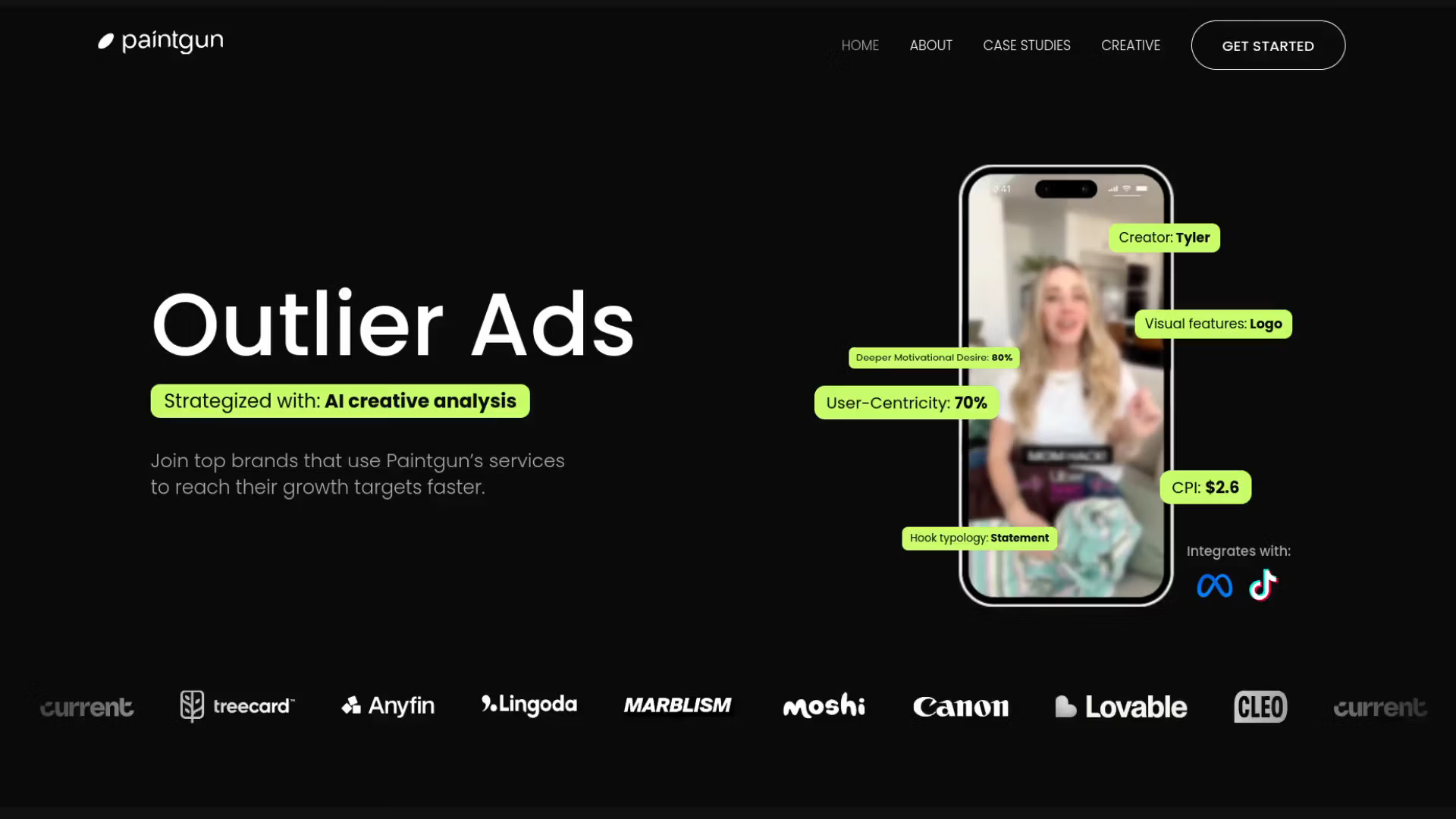
Paintgun — a video-heavy Webflow site that still loads fast
Nearly every section of the design is carried by video. We rebuilt how the page requests its media, so the showreel survived and the first paint did too.
-
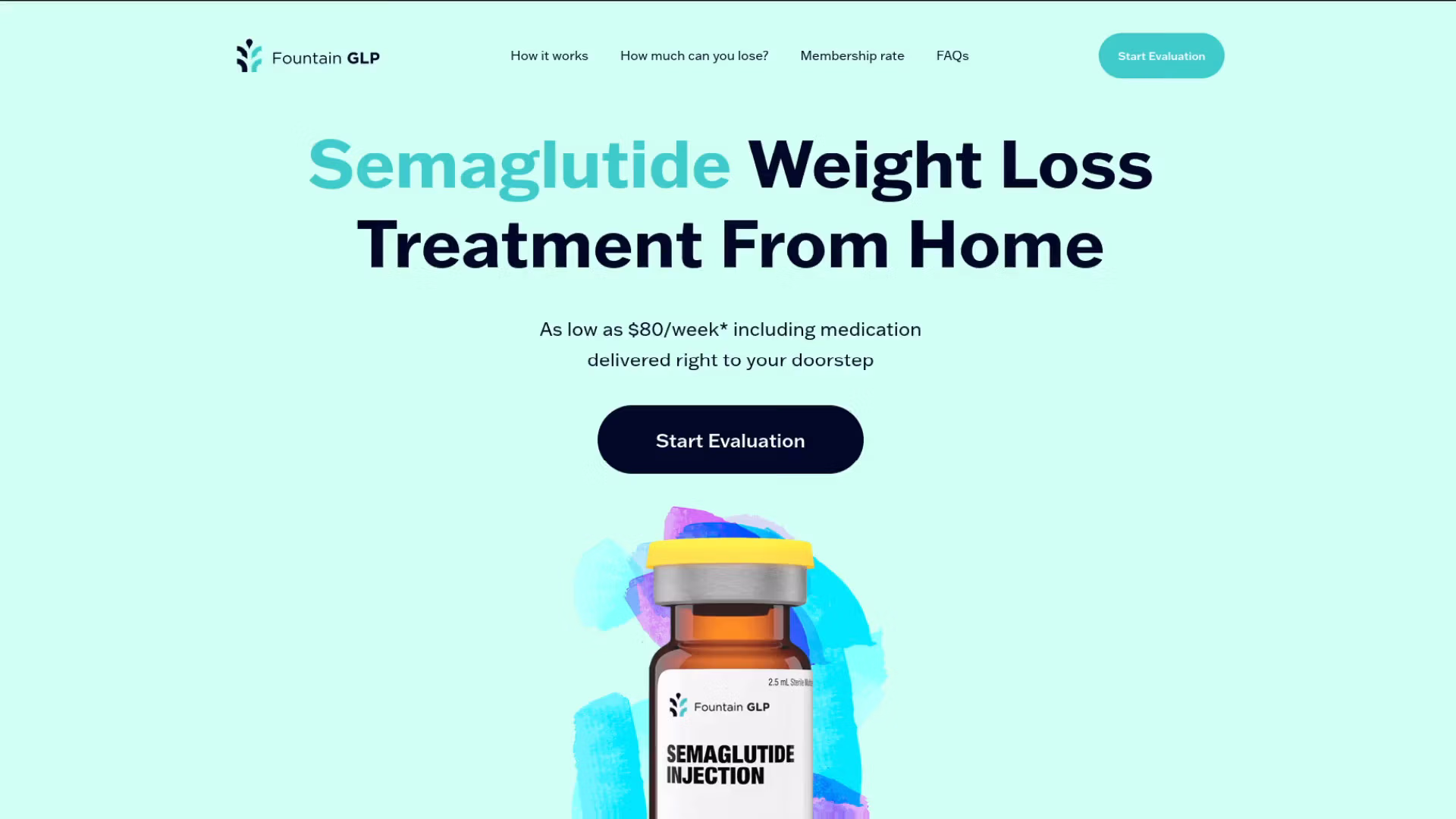
FountainGLP — one landing page, and the one thing Webflow can't do
Most of it is a clean single-page build. The part that matters is the calculator: no builder produces that, so it's hand-written JS wired into the layout. A small project, but it's the honest answer to where the no-code line actually sits.
-

RISE 15/11 — an image-heavy interiors portfolio that opens in half a second
CultBureau designed a photography-led site for architecture studio RISE 15/11, and I built it in Webflow. It has custom GSAP animations and CMS-driven project pages the studio updates on its own.
-
Want to see more?
I have 30+ interactive commercial projects built with clean code and high performance.
See all work
Work process and timeline
- DAY 0 SEND ANYTHING
- 24 HOURS WRITTEN ESTIMATE
- EACH SPRINT PAY IN STAGES
- DAY ONE STAGING LINK
- LAUNCH YOURS TO EDIT

Just me.
I'm Oleksii. I've been building websites since 2011, and a Certified Webflow Partner since 2024.
I'm the one who replies to your email and the one who writes the code. No account manager in between, no team you'll never meet, and nobody cheaper taking over once the contract is signed.
I take a small number of projects at a time, on purpose. It's the only way the numbers on this page stay true.
Before you write.
The eight questions I get every time — money, timelines, and what happens after launch.
How much does a website cost?
It depends on the size of the job, and the range is deliberately wide. A speed audit with the fixes implemented starts at $290. A single landing page is usually four figures. A full custom site with design typically lands between $2,500 and $6,000. There's no minimum project size — a 90-minute fix is a perfectly good place to start. You get a written estimate within 24 hours of telling me what you need, and the estimate is free.
How long does it take?
Two to six weeks from approved estimate to launch for most projects; a single landing page can be days. The variable is rarely the build — it's how fast content and feedback come back from your side. That's why you get a staging link on day one.
Do I need a design or a brief before I contact you?
No. A link, a rough description, or three sentences about what's wrong is enough. If you have a Figma file I'll build it exactly as drawn. If you don't, working out what's needed is part of the job.
I have a WordPress site. Should I move to Webflow?
Quite possibly not. WordPress is the better answer when you have a large content operation, memberships, or need a real backend. Webflow wins when a small team wants to edit a marketing site without breaking it, and when plugin maintenance is eating your week. I build in both and migrate in both directions — including Webflow back to WordPress — so I have no reason to push you either way.
Can my team update the site afterwards, or will I need you?
Your team. Content, images and pages are editable without touching code, and you get a click-through guide on launch day. Three months of support is included afterwards in case something isn't obvious.
Why not just use a template or an AI website builder?
For plenty of businesses you should, and I'll say so — if a template gets you online this week and nothing about your site needs to differ from your competitors', that's a sensible choice. A custom build earns its cost when the site has to load fast, rank, stay accessible and survive a few years of edits. Templates ship with code you never asked for, and that's where the weight and the ranking problems come from.
How does payment work, and can you invoice internationally?
Milestone-based rather than one lump sum: fixed scope per sprint, half up front and half on completion, so you never pay for a whole project blind. Contracts and invoices come from Leggo Commerce LLC, a registered US company in Wyoming — you sign with a company, not a freelancer. Pay by bank transfer or Wise in USD or EUR, or in USDT, with an invoice for every milestone. US clients get a W-8BEN on request.
How do we work across time zones?
I'm at GMT+4: a full working day overlap with Europe, and I hold evening hours to cover US East Coast mornings. Everything runs in writing — brief, estimate, daily updates, handover — so nothing depends on catching each other live. If you prefer calls, we can have them, but written is how you get the best work out of me.
Now write.
Estimate back within 24 hours. If it's not a fit, I'll say so straight away.
Or skip the form
Projects range from a two-hour fix to a six-week build. Tell me what you need and I'll send a number within 24 hours.
Still reading?
The latest from the blog. Opinions, but with numbers attached.
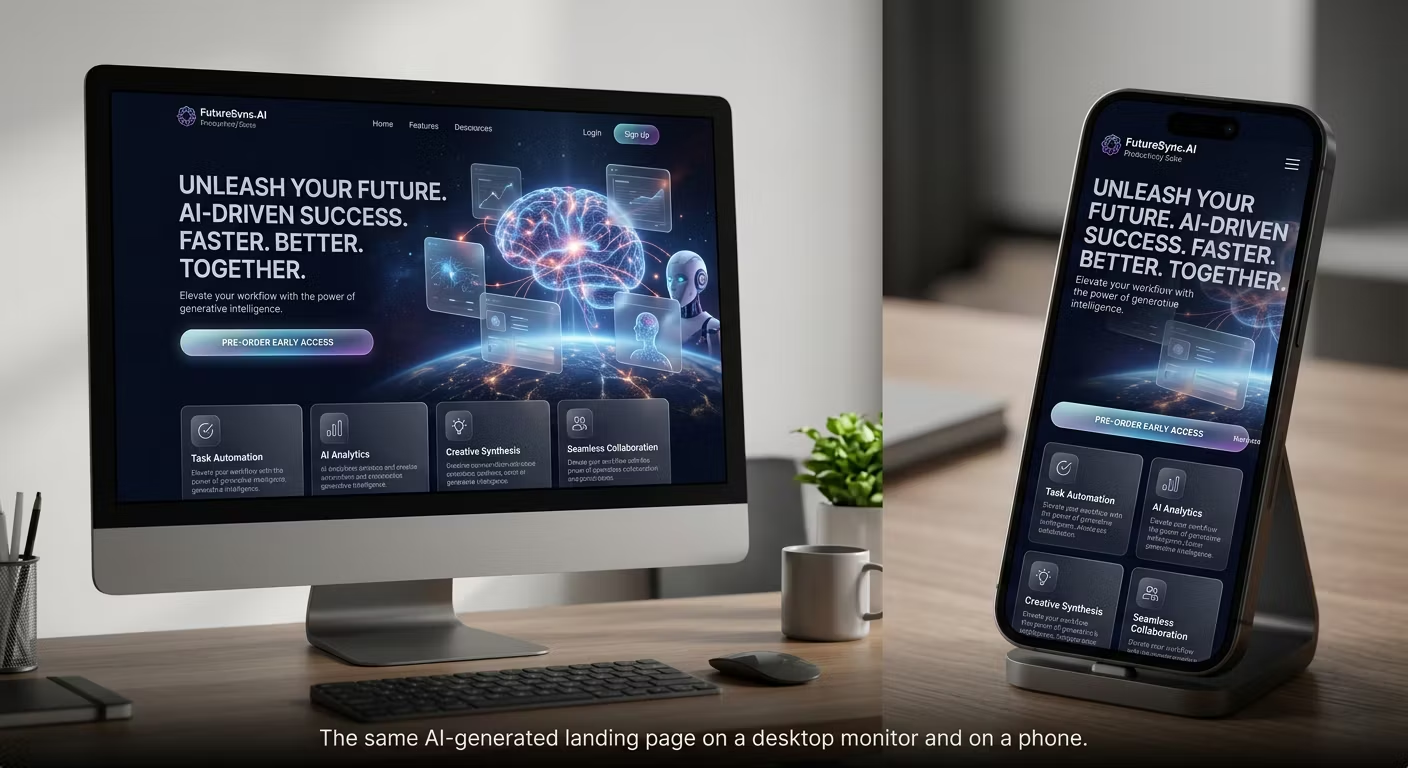
The AI Web Design Hype: Why Clean Code and Real UX Still Win
“I built an award-winning website in two hours with AI.” If you spend any time on YouTube or X, you have seen…
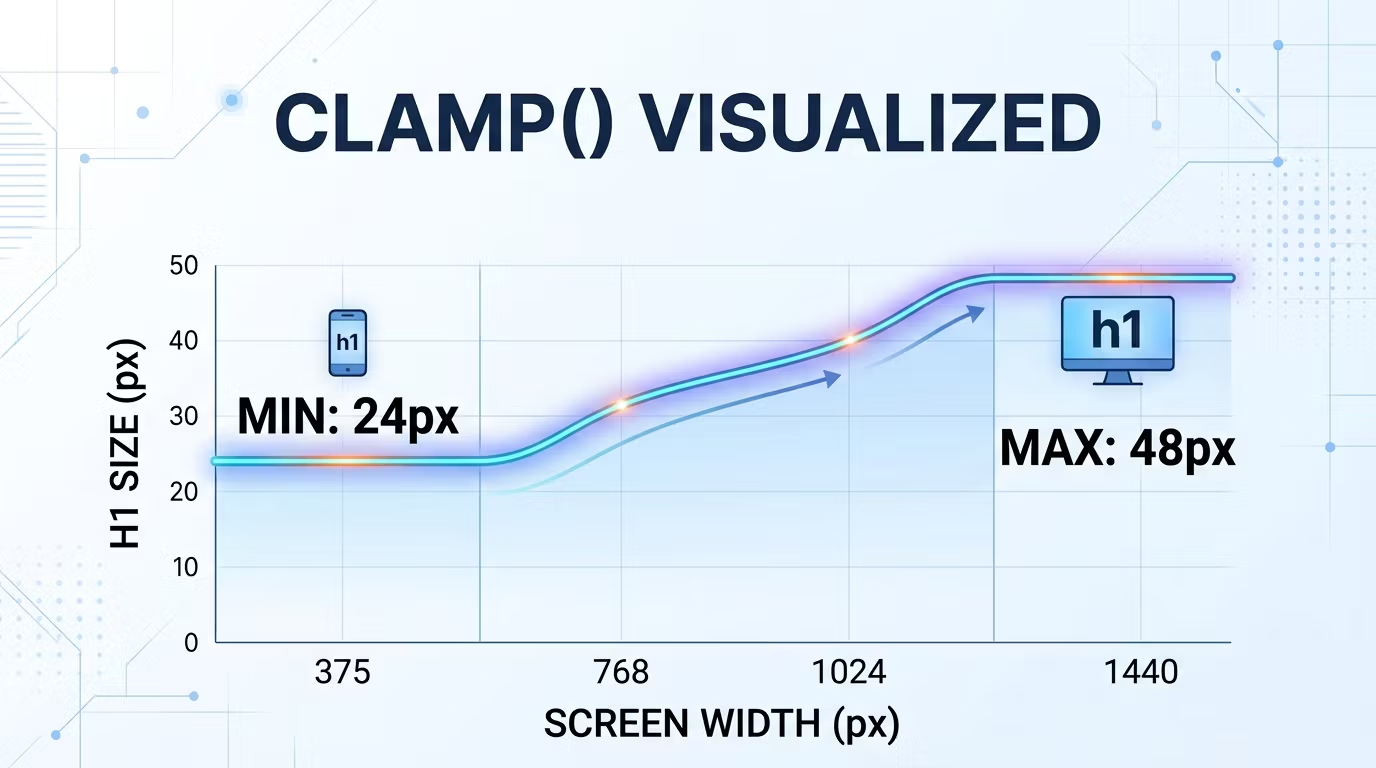
The Death of Media Queries? How clamp() and a Smart Root Scale Make Truly Fluid Websites
Open the stylesheet of a typical website and count the @media blocks. It is not unusual to find dozens: one set of font sizes…
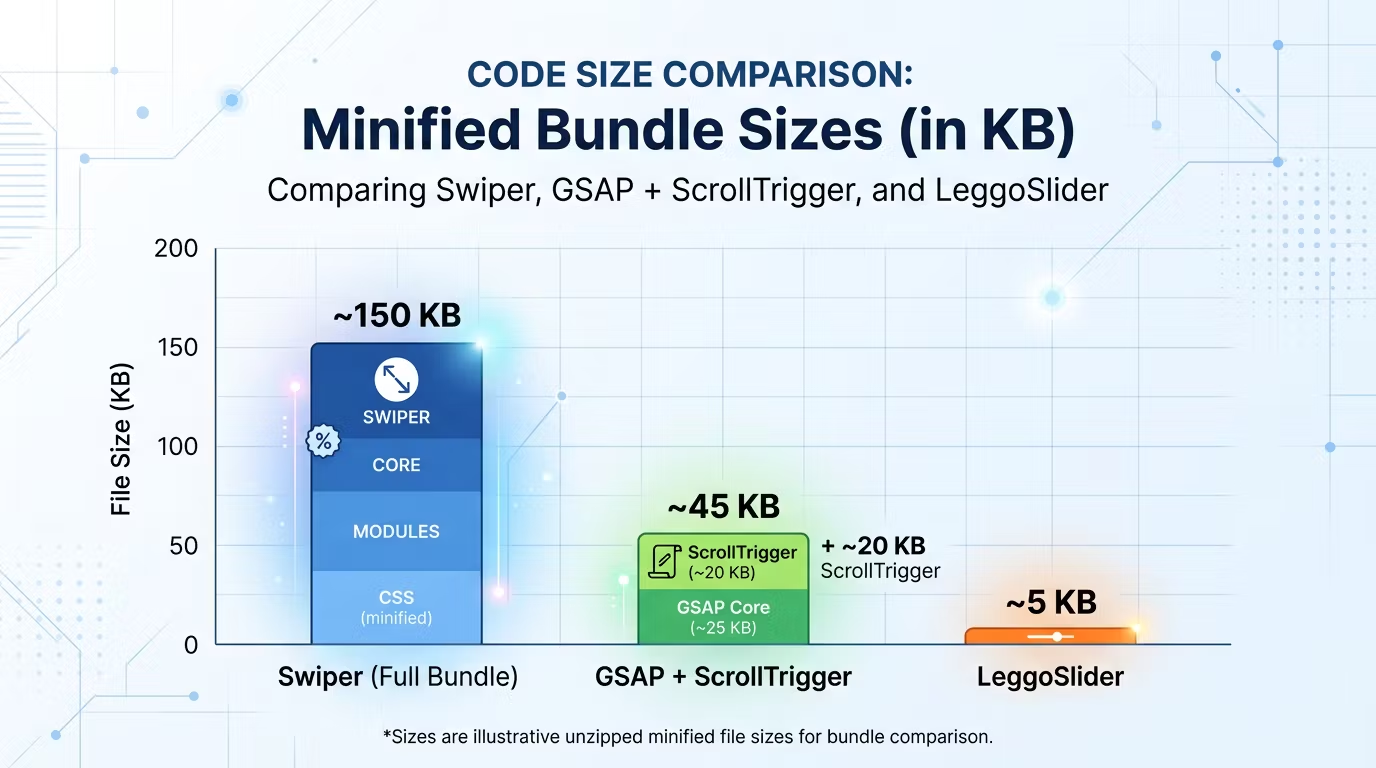
The “Bloated Code” Syndrome: Why I Stopped Reaching for GSAP and Swiper
Open the source of an average corporate website and you will often find the same pair of guests: GSAP for animations and…
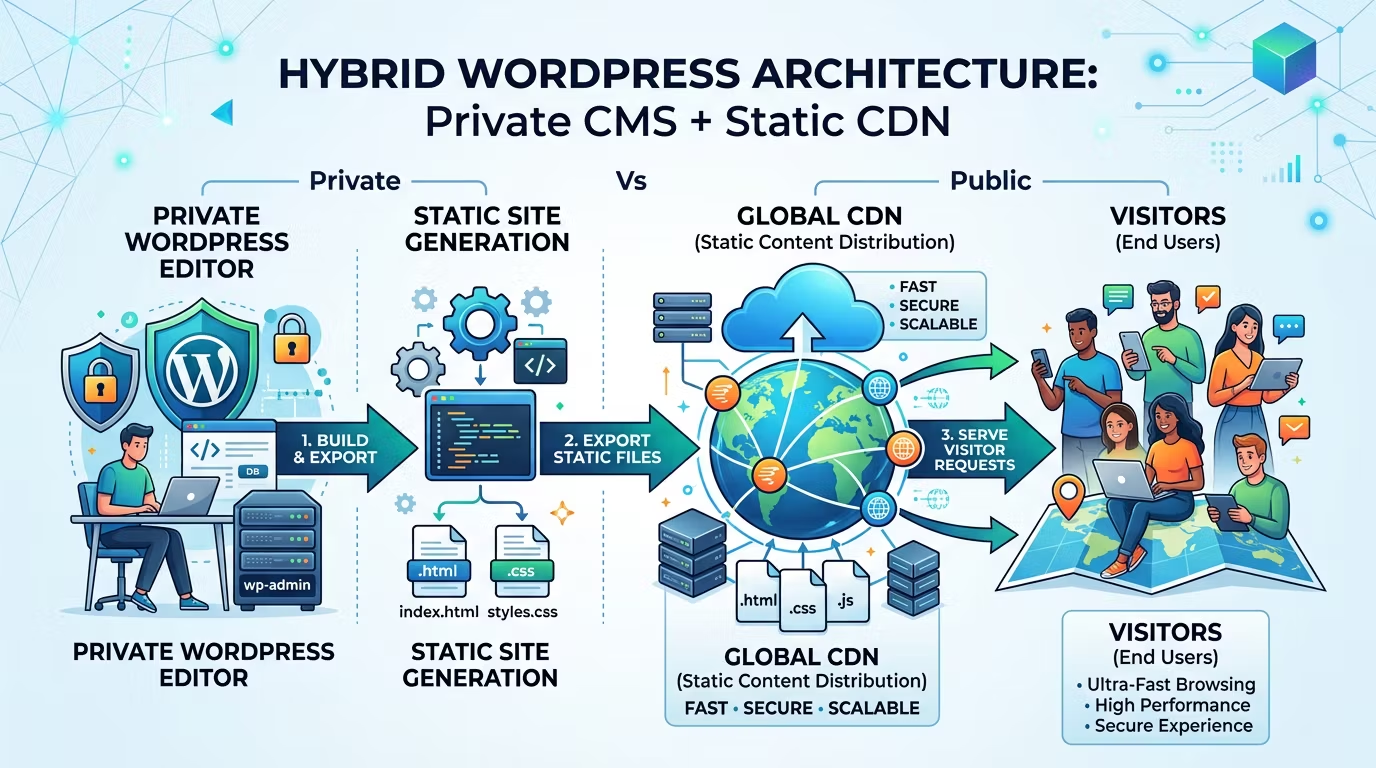
Traditional CMS vs Static Sites: Why I Build Hybrid WordPress
Almost every project I start begins with the same question: “Should we build it on WordPress, go with Webflow, or just make…